Adobe and Canva: Living Side by Side, and Where To From Here
I've been using Adobe for about 30 years. I learned Photoshop, Illustrator and what later became InDesign back when "desktop publishing" still sounded futuristic, and those tools have paid my bills ever since. So when people ask me whether Canva is going to replace Adobe, I get why they're asking. I just don't think it's the right question anymore.
The better question is this: what are you actually trying to make, and what's the fastest way to make it well?
The way we create content has changed
Think about what most businesses produce today compared with ten years ago. It used to be brochures, catalogues, press ads and the occasional TV spot. Now it's a constant stream of short videos, social posts, stories and reels, most of it watched on a phone, often for about three seconds before someone scrolls on.
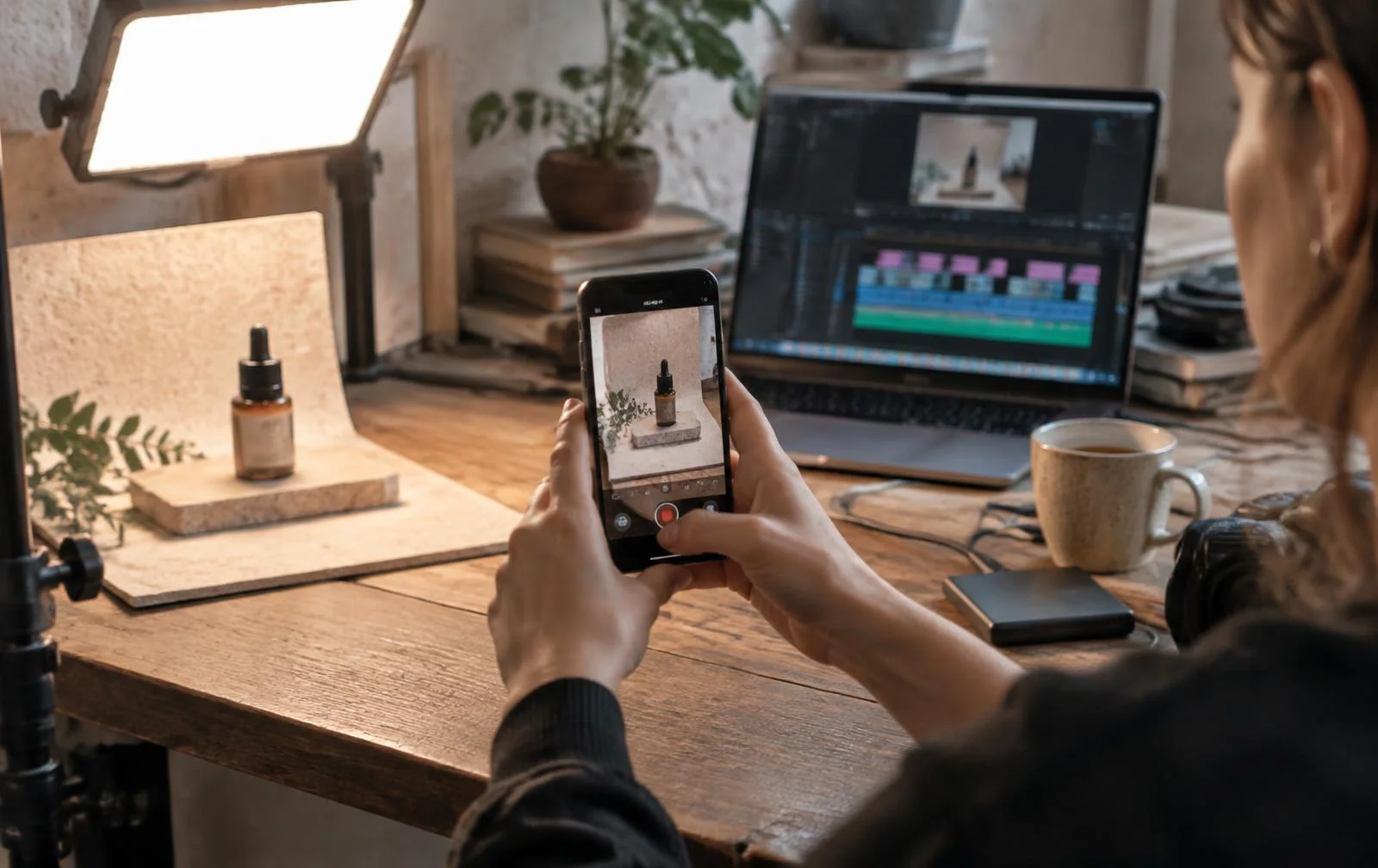
That shift has changed my own work a lot. I still work in design and retail marketing, but I now make far more video than I ever expected to. The pace is different. Volume matters, speed matters, and a lot of content has a shelf life of a week. That's the world Canva was built for.
Where Canva has earned its place
Canva started out as the easy design tool for people who weren't designers. That's still its biggest strength, but it's grown up quickly. Its AI tools now do things that would have taken a proper edit suite not long ago. One feature, Image to Video, takes a still photo and adds subtle movement, turning it into a short clip without any filming or editing. This year Canva also launched Canva AI 2.0 at its Canva Create event.
The bigger story is what Canva has been buying. It picked up Leonardo AI, a serious image-generation platform, along with Affinity, a long-time Adobe alternative for professional design. Canva is now bringing Affinity, Cavalry, Flourish and Leonardo together as one connected suite aimed at professional creatives. That's a clear signal. Canva isn't content with being the quick tool anymore. It's coming for the professional end of the market too.
In my own workflow, Canva is where things come together. If I'm producing a video, I'll shoot and do the main edit first, then pull everything into Canva (or sometimes CapCut) to finish it off. That's where I add overlays, stitch clips together, drop in logos and build the intro and outro. It's fast and it's easy, and for online content it does exactly what I need.
I'll be honest, though: I don't need Canva. I could do all of that in Adobe. I use Canva because it's quicker, and when you're turning out content week after week, quicker wins.
Where Adobe still wins, for me anyway
Then there's the other half of my job, which is finished art.
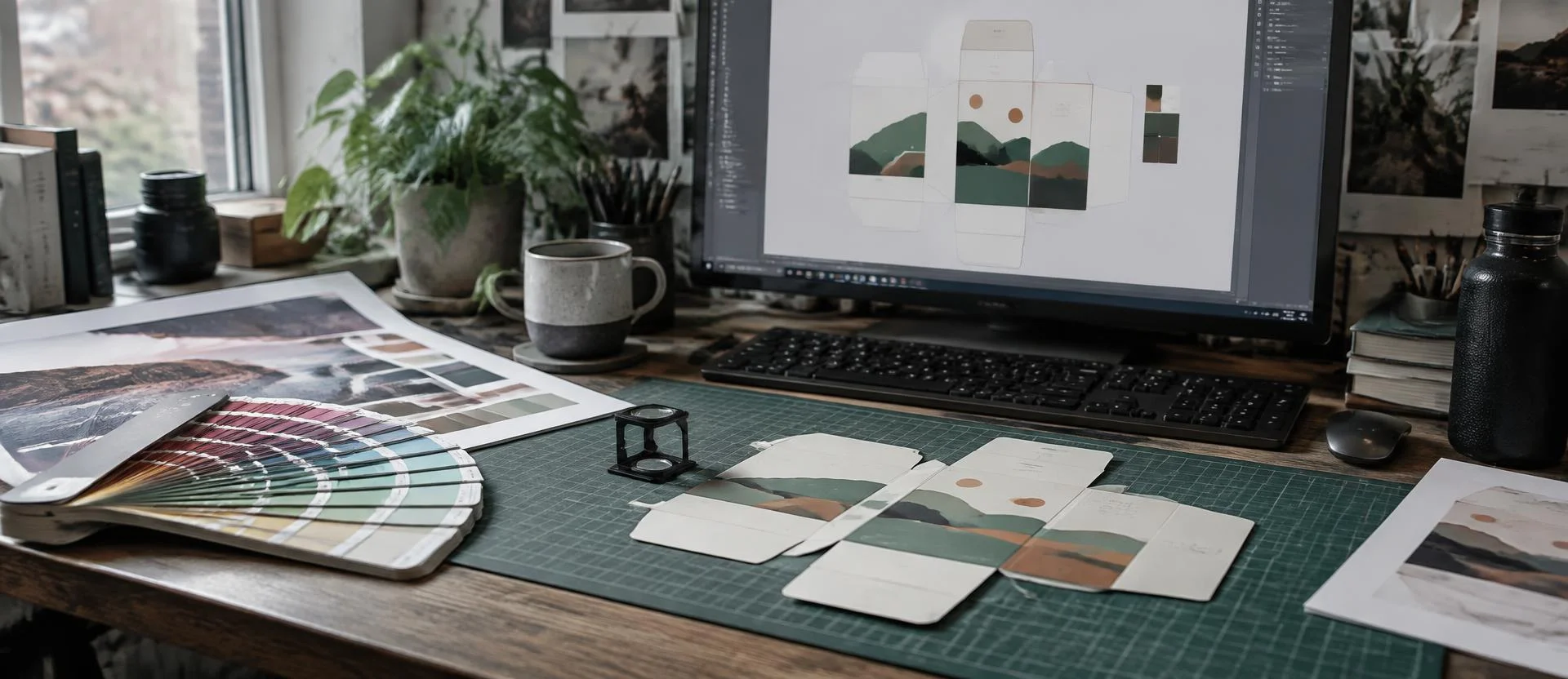
In our business we deal with around two and a half thousand products every year, and each new one needs packaging. The concepts might start anywhere, but the final artwork that goes to our overseas printer is always built in Adobe. Illustrator handles the vector work for packaging. InDesign handles layout. Everything is exported as a print-ready PDF from one of those two.
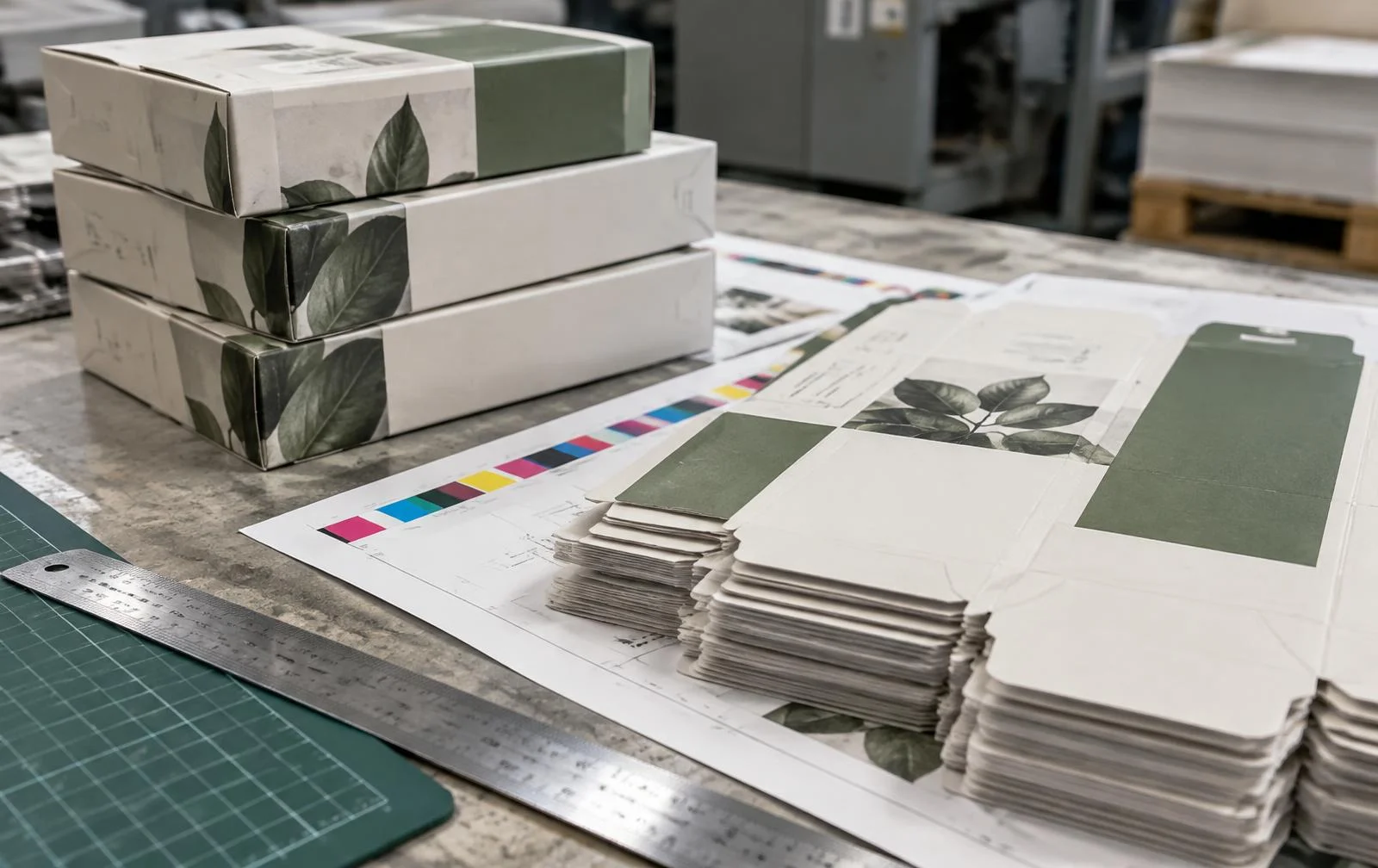
The same goes for magazines and any serious publishing work. InDesign, Illustrator and Photoshop are still the right tools for that job. When you're dealing with four-colour print, exact colour, bleeds, dielines and a printer on the other side of the world who needs the file to be right the first time, precision isn't optional.
Canva does offer PDF export, and it's improving all the time. But for print production at that level, I wouldn't trust anything else yet. Yes, Adobe is expensive, and the subscription model frustrates plenty of people. For professional print work, though, it still earns its keep. (More on how we approach that side in our FMCG packaging guide.)
So which one should you use?
You don't need InDesign to make a sale poster or an Instagram reel. Canva's templates, AI tools and mobile app let almost anyone make something that looks decent in minutes. That's a genuinely good thing. The way I see it:
- Canva is for speed, video, social and digital content, and for pulling pieces together quickly.
- Adobe is for precision, finished art, packaging, publishing and anything going to a printer.
The part the tools can't do
Here's what I think gets lost in all the AI excitement. The tools are getting cheaper, easier and more powerful every year. Anyone can now generate fifty design options in a few seconds. That doesn't make someone a designer, any more than owning a good camera makes someone a photographer.
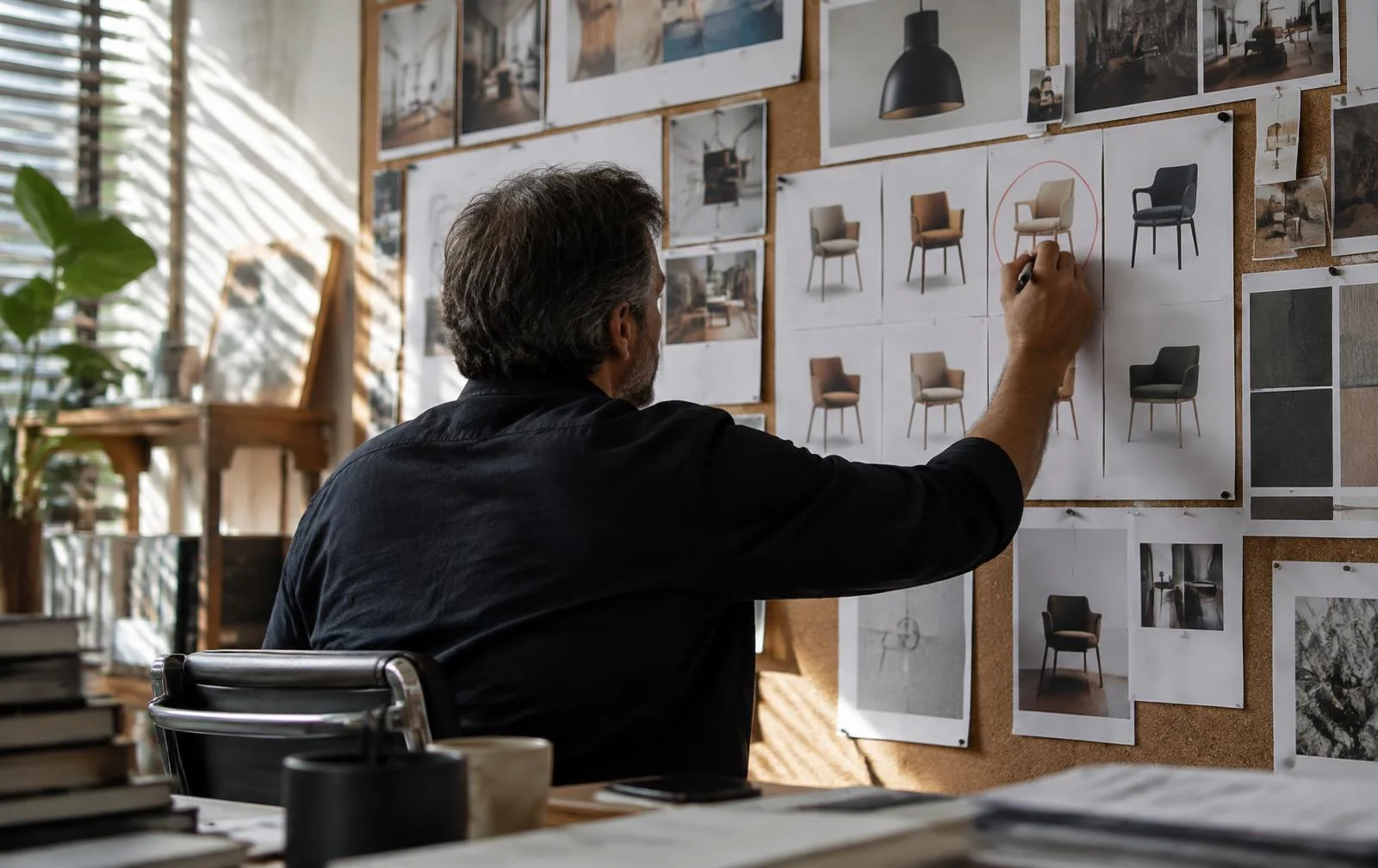
What still matters is judgement. That means knowing which of those fifty options actually works for the brand, and knowing when a quick Canva job is fine and when something needs to be built properly in Illustrator. It means understanding what a printer needs and why a colour looks different on screen than on a box. Even Canva's own AI Vision event this year made the same point: the value of human taste goes up as AI takes over more of the execution.
That's where I see my role now. It's less about which software I use and more about knowing how to get the right result from all of them, whether it's a reel that needs to be out by lunchtime or packaging for a product launching in twelve months.
Where to from here?
My guess is that Canva will keep moving up into professional territory, and Adobe will keep making its tools easier and more AI-driven. Over the next few years the gap between them will shrink. Video will keep dominating, mobile will keep leading, and AI will keep cutting out the busywork.
But the fundamentals won't change. Good design still needs good thinking, and a great tool in the wrong hands still produces average work.
If you're trying to work out the right mix of tools for your business, have a look at our AI design tools directory — or if you need design that holds up both online and on the shelf, I'm always happy to have a chat.